In this article
A Local is a branch or building of the clinic: the main site, a branch, the hospitalization area… It gives a name and contact details to the physical place where pets stay.
Where it is
- Sign in to PetSoph.
- Side menu Estancias → Locales.
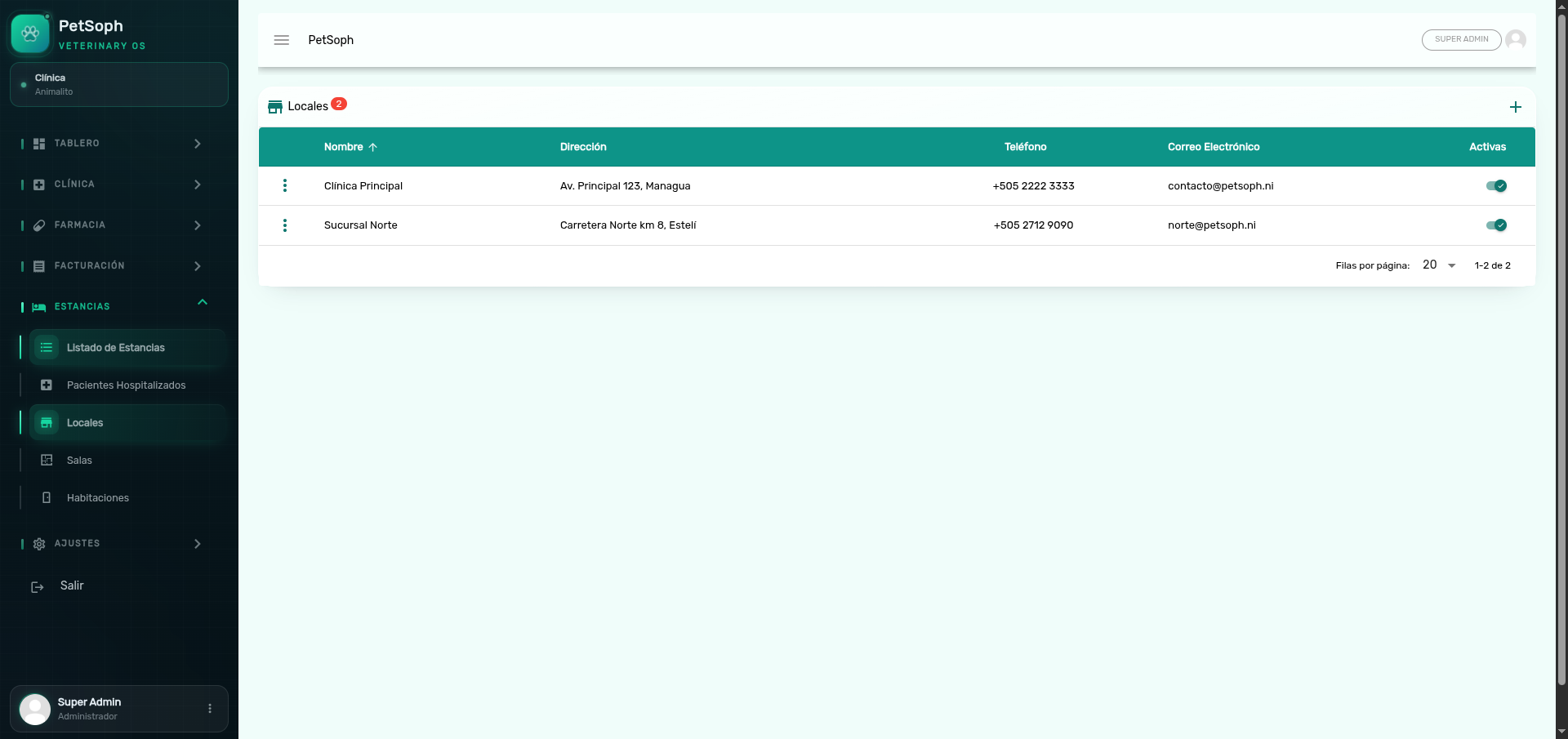 Figure 1. Locales management with contact info, address, and active status.
Form fields
| Field | What it is | Required |
|---|---|---|
| Nombre | Name of the locale (e.g. Clínica Principal) | Yes |
| Dirección | Physical address | No |
| Teléfono | Contact phone | No |
| Locale email | No | |
| Activo | Toggle to enable it in reservations | No |
Step by step
- Press + (add) in the screen toolbar.
- Enter the name; optionally complete address, phone and email.
- Save. The Activo toggle is on by default.
Consejo
Use the Activo toggle of each row to disable a locale without deleting it, for example when a branch closes temporarily.
Atención
A locale with areas or rooms associated cannot be deleted: the system blocks it to keep the facilities. If you need to remove it, first move or disable its areas.
What’s next
- Salas: the areas inside each locale.
- Habitaciones: the individual units of each area.