In this article
Where do I add a missing option to a list?
The dropdown options (species, breeds, medications, appointment reasons, etc.) live in the catalogs. They are edited in Administration → Catalogs:
- Select the catalog in the left column (it is grouped by area: Taxonomy, Clinical, Pharmacy, …).
- Press + to create the record or the pencil to edit it.
- Save it and activate it.
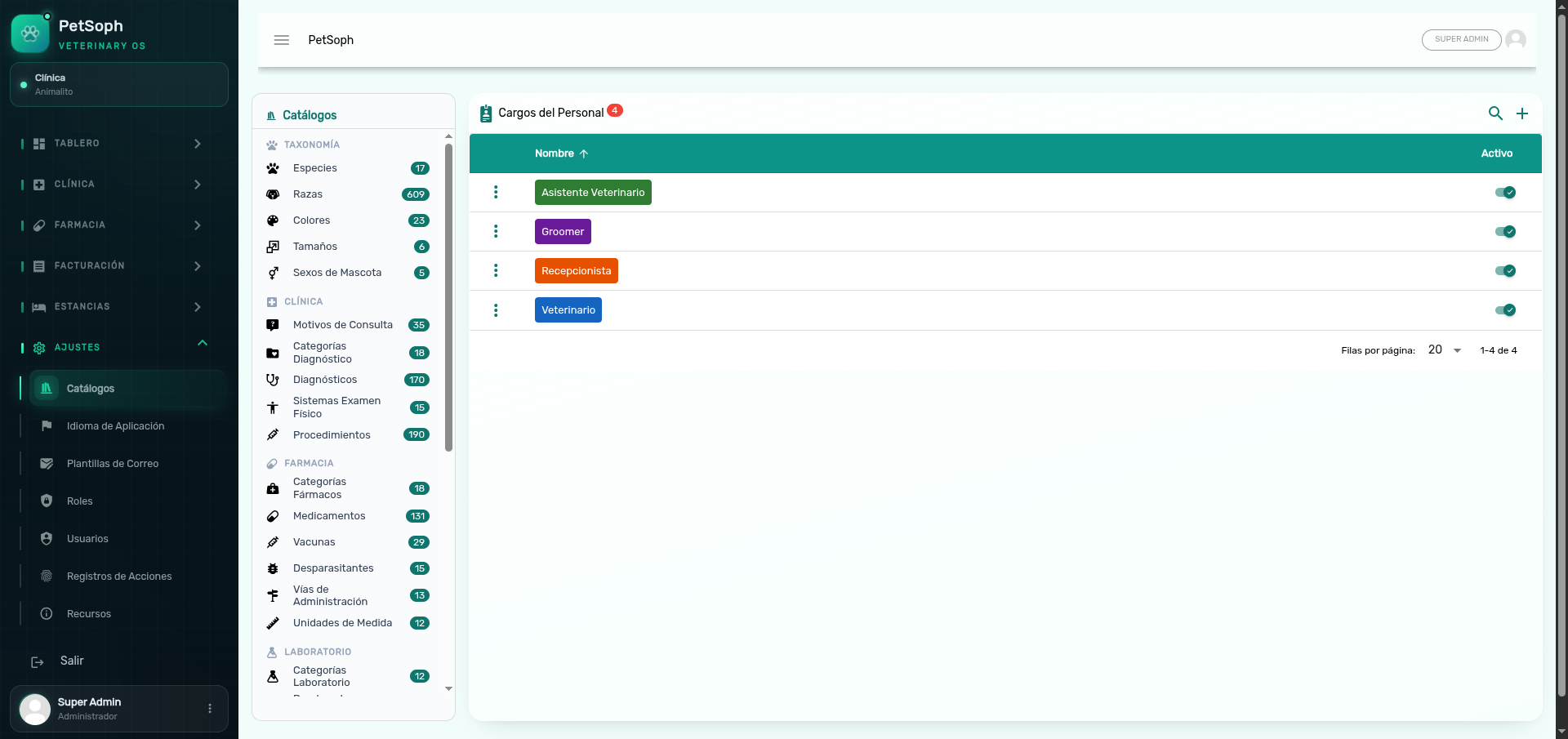 Figure 1. Managing catalog options and master lists.
Do the changes show on the other workstations?
Yes. Catalogs sync in real time to the connected workstations: after saving, the dropdowns and lists update without a restart.
If you still can’t see the new value on a screen, reload the page (F5) to force the sync.
Why is an option not showing in a dropdown?
The most frequent causes:
| Cause | Solution |
|---|---|
| The record is deactivated (Activo switch off) | Open it in Catalogs and activate it |
| The option belongs to a protected catalog | Some lists are not managed: movement_types (movement types), Languages and Product Categories. They are not changed from Catalogs |
| It depends on another catalog | For example, a breed needs its species; if the species is missing, the breed does not show correctly |
| It was just added | Reload the screen |
Can I delete any catalog record?
No. Records marked as system are essential and cannot be deleted; the system protects them with a warning. Only the records created by the clinic can be deleted.
Deleting or deactivating an option that is in use can affect already saved records. Prefer deactivating over deleting.
Are the languages a catalog too?
The System Languages hold the interface translations, but they are managed in a dedicated screen (Administration → System Languages), not from Catalogs.
Do catalog changes affect saved records?
Catalogs define the new options. Already saved records keep their data; what changes is what is offered from that moment on.