In this article
The Grooming tab records aesthetic services —bath, haircut, ear cleaning, nail trim, deshedding, or brushing— preserving a full log with groomer, date, status, and billing. Each service follows a status flow and can be invoiced upon completion.
How to get there
- Open the pet’s Clinical record.
- Select the Grooming tab.
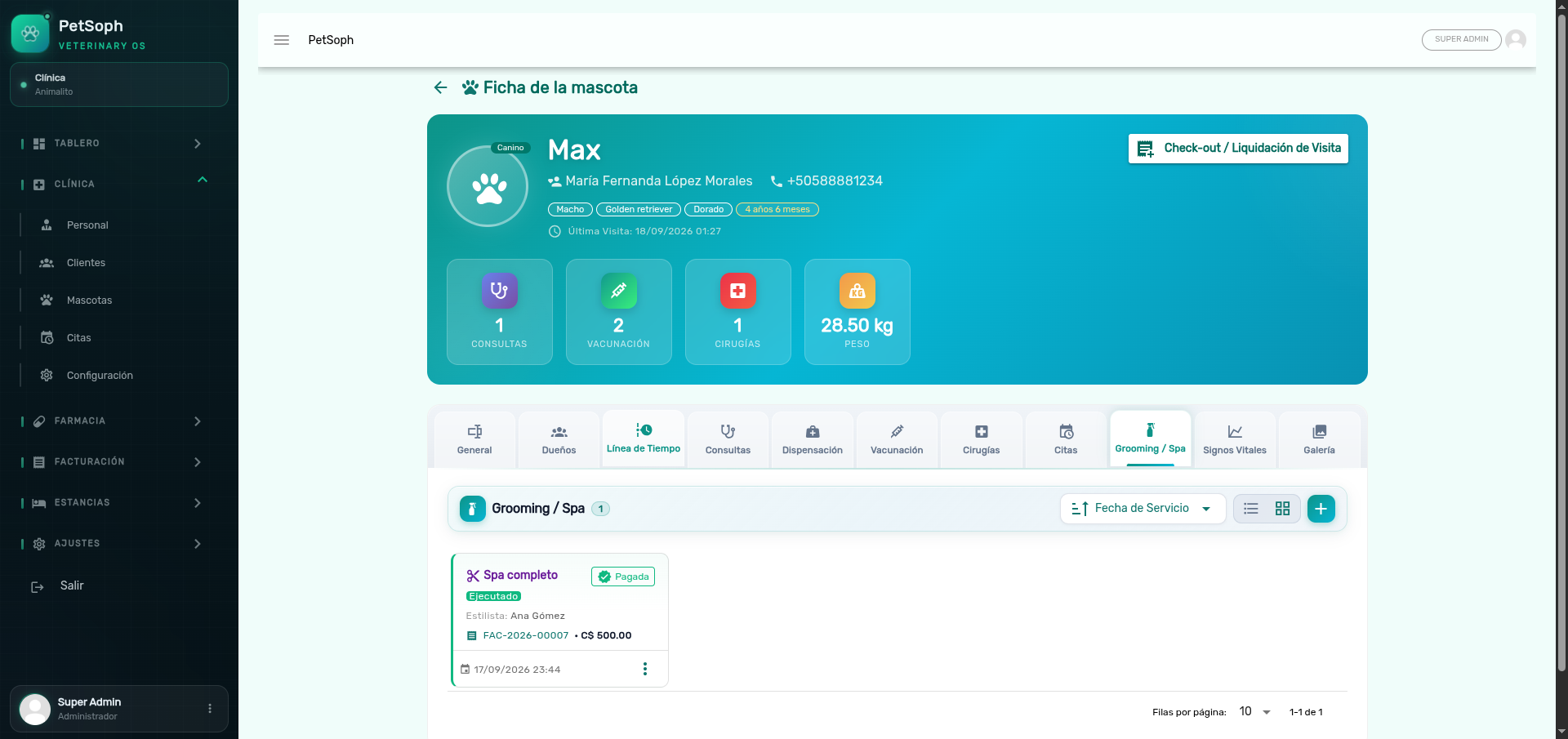 Figure 1. Grooming service records with status, notes, and groomer assignment.
1. Registering a service
Click + New Service and complete:
| Field | Description | Required |
|---|---|---|
| Clinical Service | Service chosen from the clinic services catalog | Yes |
| Date & Time | Appointment or service time | Yes |
| Groomer | Stylist / groomer performing the service | No (see note) |
| Care Type | Bath, Haircut, Bath & Cut, Hygiene, Deshedding | Yes |
| Status | Initial state (usually Pending) | Yes |
| Notes | Specific instructions or observations | No |
Importante
The Groomer is optional when creating, but mandatory when marking the service as Completed (completed).
2. Service statuses
| Status | Badge | Meaning |
|---|---|---|
Amber Pending (pending) |
Yellow | Scheduled service, waiting |
Green Completed (completed) |
Green | Service performed |
Grey No Show (no_show) |
Grey | Customer did not show up |
Red Cancelled (cancelled) |
Red | Service cancelled |
3. Invoicing the service
- In the service row menu, click Invoice Grooming.
- The system loads the corresponding grooming service from the clinic services catalog with its configured rate and tax rules.
- An invoice in Pending status is generated, ready for payment in Cash Register.
- The grooming record updates to Invoiced.
What’s next?
- Clinic services: managing prices and options for grooming services.
- Invoice lifecycle: receiving payment in cash register.