In this article
A cash shift (or cash register turn) is the “billing session” of the day: you open it with an opening amount, every collection you make lands inside it, and at the end you close it with the close-out / arqueo. Nothing can be charged without an open shift — the system blocks the operation if there isn’t one.
Getting there
- Billing & Cash → Cash Register.
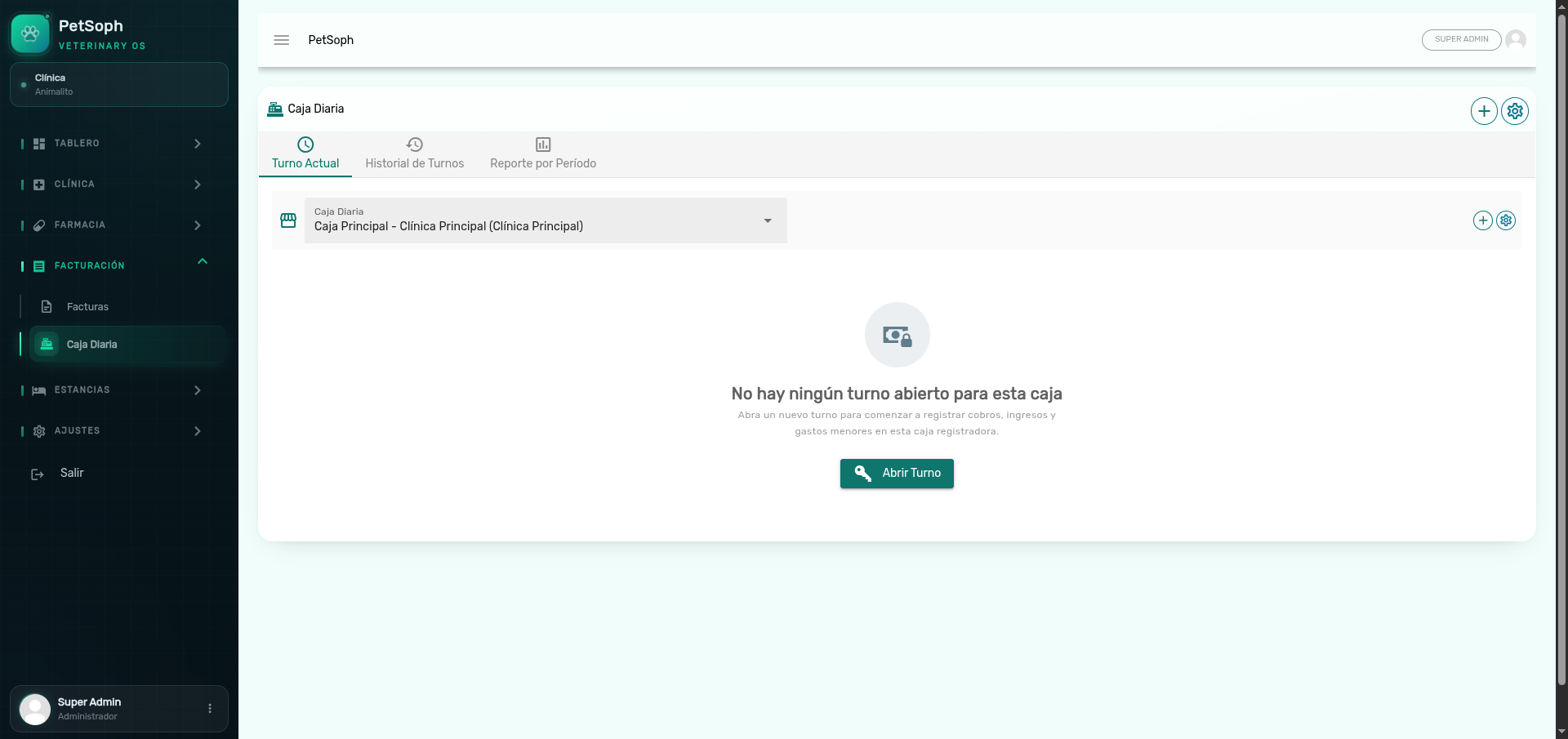 Figure 1. Cash register shifts management with opening amounts, collections, and shift status.
1. Opening a shift
- Open Shift in the Cash Register.
- Enter the opening amount (the physical cash in the drawer at the start of the shift).
- Confirm. The shift is now Open.
From that moment every collection, deposit, refund and manual movement is recorded inside this shift. That’s what lets the close-out calculate what should be in the drawer.
2. Collecting during the shift
Each charge you make (invoice collection, down-payment or advance, refund, manual movement) becomes a cash movement linked to the shift. Moving from Pending to Paid on the invoice is automatic: you only register what you collected and how (cash / card / transfer).
Keep the register tidy during the day: it’s easier to square a shift with few, clear movements than to untangle an avalanche of notes at 6pm.
3. Closing the shift (close-out / arqueo)
- Close Shift / Close-out in the Cash Register.
- The system shows the expected total. You enter what you counted.
- If there is a difference, register it with its reason (it blocks until resolved).
- Confirm Close; the shift is Closed and prints the close-out receipt.
Closing a shift does not delete invoices or movements: it freezes them into that shift. And you can’t close leaving a ghost difference — the system forces you to register it.
What’s next
- Invoices and their lifecycle: the states of every invoice.
- Payments and deposits: how money enters the shift.
- Arqueo and close-out: square the counted against the expected.
- Voiding invoices: correct a charge from the Cash Register.
- Stay billing: the stay-lodging invoices by day.
- Consolidated check-out: one invoice for the whole visit.