Plantillas de Correo is the screen where the emails sent automatically by PetSoph are drafted. Every template exists in the three languages of the application.
How to get there
- Sign in to PetSoph.
- Side menu Administración → Plantillas de Correo.
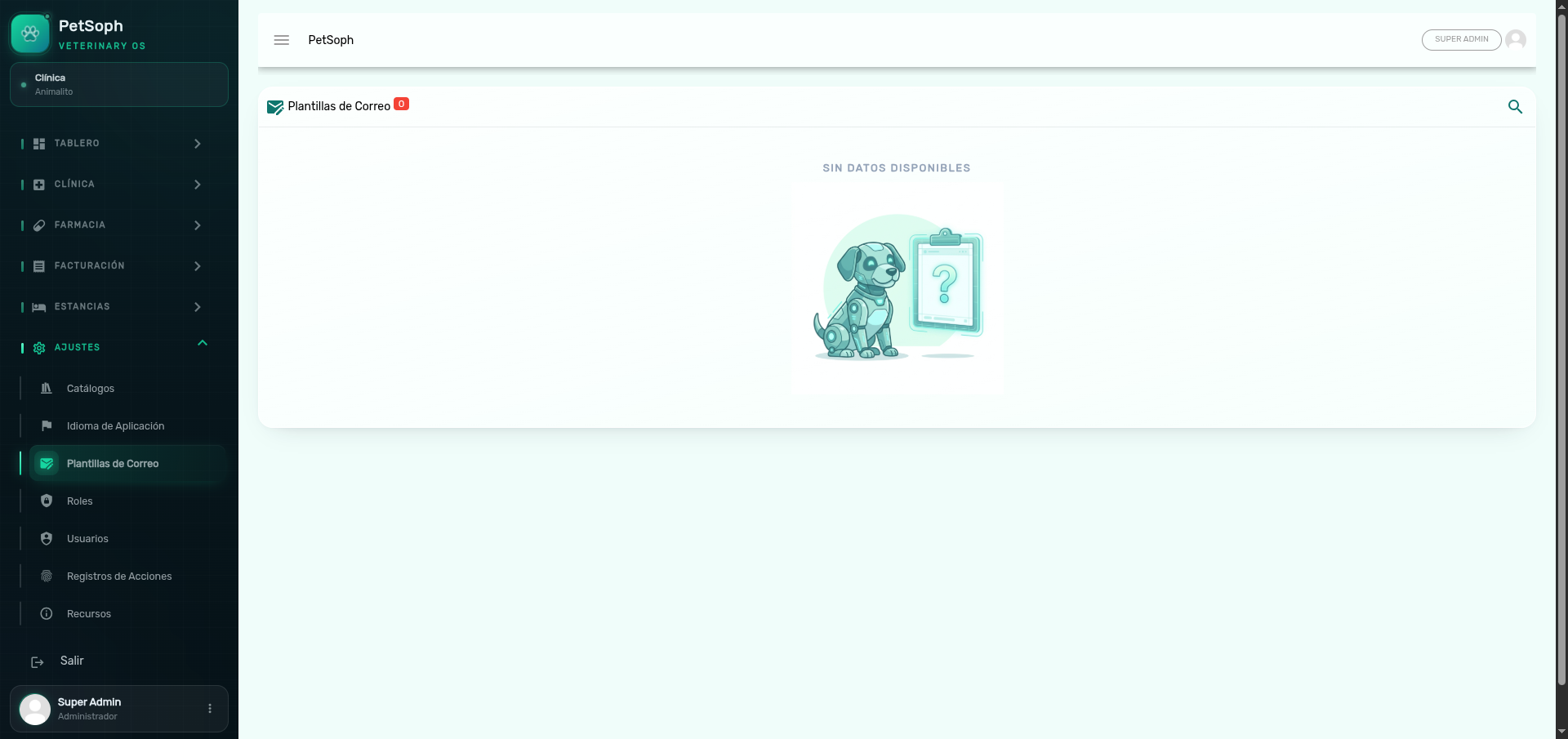 Figure 1. Multilingual email template catalog and content editor.
What the table shows
| Column | Content |
|---|---|
| Name | Template identifier |
| Updated | Date and time of the last edit (DD/MM/YYYY HH:mm) |
Press the magnifying glass to search for a template by name.
Edit a template
- Press the edit icon (pencil) on the row.
- Fill in or adjust the blocks:
| Field | Description |
|---|---|
| Name | Template identifier (recommended: keep it) |
| Subject (Español / Inglés / Francés) | The email subject line in each language |
| Button text | The text of the email action button (e.g. Ver mi cita) |
| Body | The email content, edited with the rich editor |
For each language (Español, Inglés, Francés) the subject, button text and body are completed. All three languages are required.
The email body is validated before saving: if any language is left empty, the system shows a notice and does not save.
When they are used
The emails drafted here are the ones the application sends depending on the context: welcome, notifications and notices to clients or users. When updated, the next emails use the new wording.
Review the preview and the button text before saving. Templates are shared across the three languages: a mistake in one only affects the clients in that language.
Next
- Roles and permissions: who can access these screens.