In this article
When a pet in the Hotel category is En Estancia (checked in), its detail shows the tabs that drive the boarding stay: Checklist, Servicios Extra, Reportes Diarios and Pertenencias, plus the Resumen de Facturación. This article explains each one.
Where to find it
- In the side menu Estancias, open the Listado de Estancias.
- Open the stay of a pet in the Hotel category.
- Once the pet is En Estancia, the boarding tabs become available.
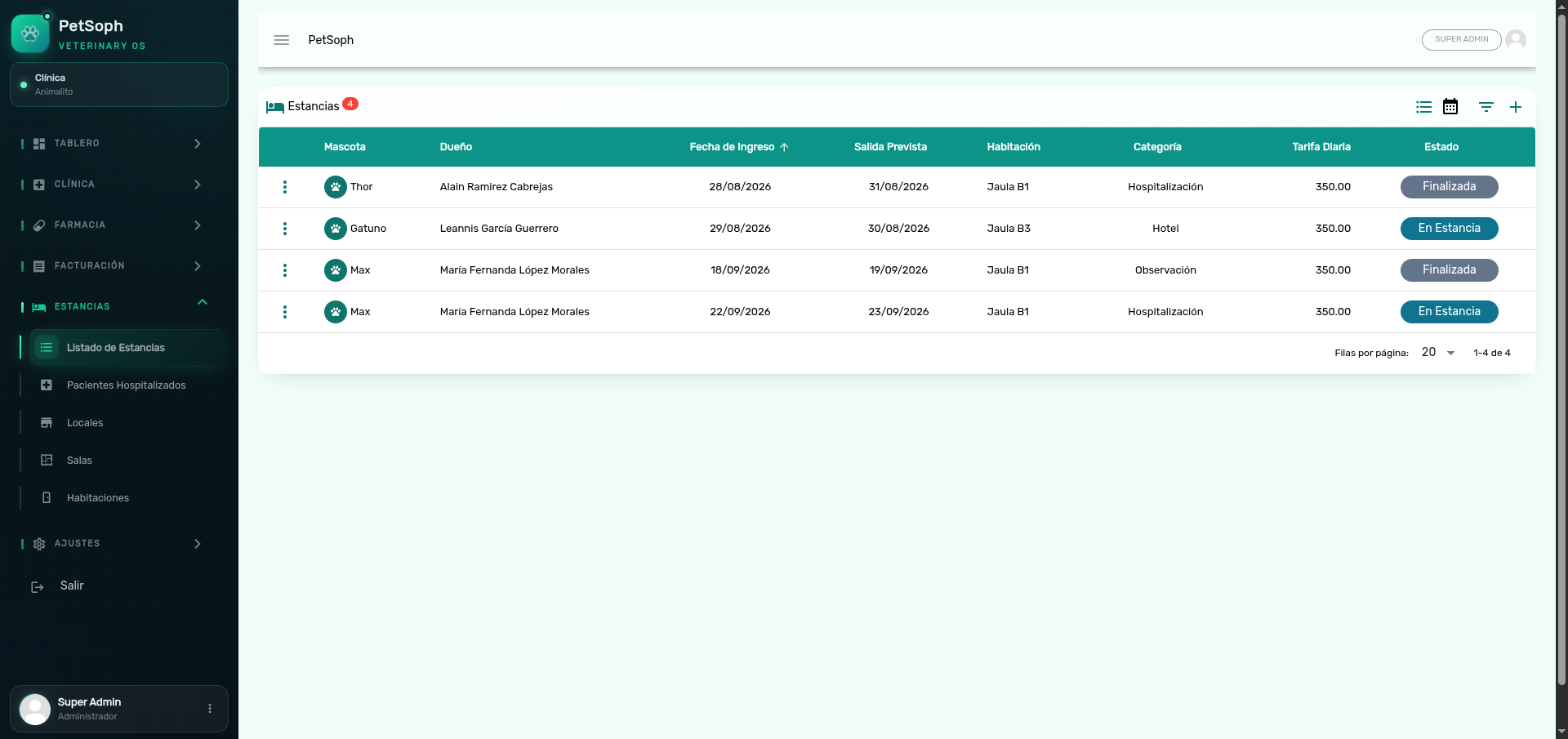 Figure 1. Boarding details showing checklist, extra services, daily reports, and belongings.
1. Checklist
At check-in, the system automatically builds the admission checklist from the active items:
| Item | What it validates |
|---|---|
| Vacunas verificadas | Rabies is up to date in the record |
| Pertenencias recibidas | The owner’s belongings were received |
| Medicamentos entregados | The medications that come with the pet |
| Alimento provisto por el dueño | The owner-supplied food was handed over |
| Contacto de emergencia verificado | The owner’s emergency phone |
| Habitación inspeccionada | The assigned room is ready |
| Saldo confirmado | The deposit and rate are agreed |
Using it is straightforward: tick each point as you validate it. The system records who checked it and when, saving instantly; if you make a mistake, untick it and tick it again.
The list is generated at check-in from a catalog of items that an administrator can customize from the catalog management area.
It is good practice to close all seven admission items: it keeps a trace of who received what and avoids discrepancies with the owner at checkout.
2. Servicios Extra (extra services)
Any additional service during the stay (a walk, a bath, a play session…) is recorded as a Solicitud de Servicio (service request) and is added to the stay’s invoice.
To add one:
- In the Servicios Extra tab, press +.
- Choose the Tipo de Servicio (required) and the Personal (staff) who will perform it (required).
- Set the Cantidad (quantity) and Precio Unitario (unit price); the Total is calculated automatically.
- Optional: Descripción and Notas.
- Save.
When you pick the type, the system suggests its price from the catalog (you can adjust it in this occurrence):
| Service type | Suggested price |
|---|---|
| Paseo | C$ 150,00 |
| Alimentación Extra | C$ 100,00 |
| Spa / Baño Relajante | C$ 300,00 |
| Medicación | C$ 80,00 |
| Sesión de Juego | C$ 120,00 |
| Baño | C$ 200,00 |
| Peluquería / Estética | C$ 250,00 |
| Monitoreo Nocturno Especializado | C$ 250,00 |
Each row shows the service total and the staff responsible. From the row menu you can view the detail or delete the request.
Extra services are automatically added to the Resumen de Facturación when the stay is invoiced. Review the list before generating the invoice to avoid unwanted charges.
3. Reportes Diarios (daily reports)
The daily report is the guest’s logbook for each day: appetite, mood, activity, bathroom, and observations, with an optional photo.
- One per day: there is a single report per stay and date. If you save again on the same date, it updates the previous one.
- On save, the staff member who wrote it is recorded.
| Field | Options and color coding |
|---|---|
| Apetito | Bueno Green · Regular Yellow · Pobre Orange · Ninguno Red |
| Ánimo | Feliz Green · Tranquilo Cyan · Ansioso Orange · Agresivo Red · Deprimido Red |
| Actividad | Activo Green · Normal Cyan · Letárgico Red |
| Baño/Sanitario | Normal Green · Diarrea Yellow · Estreñimiento Orange · Con Sangre Red · Ninguno Grey |
The optional photo accepts images up to 10 MB. In the list, the image icon opens a viewer with zoom and rotation for a detailed look. From the row menu you can also delete a report.
A daily report with a photo reassures the owner and gives the clinic the history to spot changes in appetite or behavior early.
4. Pertenencias (belongings)
This is where you record what the owner leaves with the pet (toy, bed, food…), so it is returned in full at checkout.
- In the Pertenencias tab, press +.
- Type the Descripción (required) and the Cantidad (quantity).
- Optional: Notas (the full text is shown on hover over the row).
- Save.
Each belonging can be deleted when it no longer applies.
At admission, record all the belongings that arrive with the pet: that is exactly what is returned to the owner at checkout.
What’s next
- Stay lifecycle: reservation, check-in and statuses.
- Hospitalization: the clinical tabs of the hospitalized patient.
- The stay settlement (deposit and charges) is explained in the Facturación & Caja module, article Facturación de estancias.