In this article
Idiomas del Sistema is the screen where the interface translations of PetSoph are managed in the three languages: Spanish, English and French.
Every application label (buttons, titles, messages…) has a key and a translation per language. This is where those translations are corrected or improved.
How to get there
- Sign in to PetSoph.
- Side menu Administración → Idiomas del Sistema.
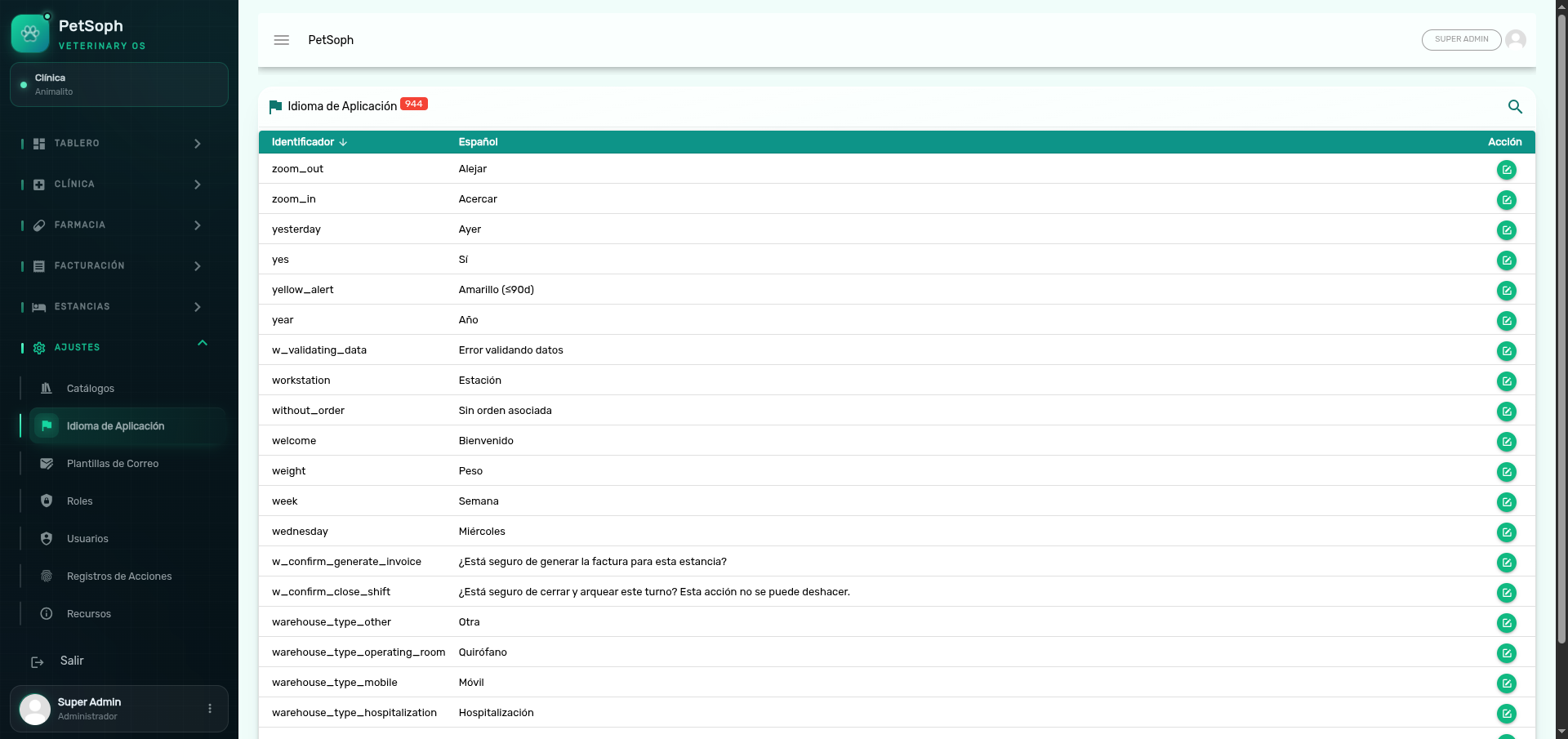 Figure 1. Translation keys catalog in Spanish, English, and French.
What the table shows
| Column | Content |
|---|---|
| Key | Technical identifier of the label (e.g. accept, save, full_name) |
| Translation | The text shown on screen (Spanish column) |
Use the magnifying glass to search by key or text.
Edit a translation
- Press the edit icon (pencil) on the row.
- The form shows the three sections: Español, Inglés and Francés.
- Depending on the label, the field is plain text or a rich content editor.
- Save. All three languages are required.
When a label is a formatted paragraph or message, it is edited with the editor (bold, lists, links…). Short labels are edited as plain text.
How the changes apply
Translations download to each device when the application is opened or reloaded. Once saved, the new wording will be visible on the computers after signing in or reloading the screen.
Important notes
- This catalog is not managed from Catálogos: only editing exists; keys are not created or deleted (new keys are added by a system update).
- The clinic interface is used in Spanish; the other two languages let clients or colleagues from other countries interact.
Changing a translation affects the whole application and all computers. Avoid deleting the content of a language while editing it; all three are required to save.
Next
- Email templates: the automatic emails.