The close-out (or cash cut, arqueo / corte de caja) is the moment of truth of the shift: you count what you have, you compare it with what the system computes you should have, and you register the difference — short or over. It’s what closes the shift and leaves the daily evidence squared.
1. The two totals compared
| Total | What it is | Where it comes from |
|---|---|---|
| Expected | What the system says you should have | Shift opening + collections − cash-outs |
| Counted | What you actually counted | Your physical count |
| Difference | Counted minus expected | Short (negative) or over (positive) |
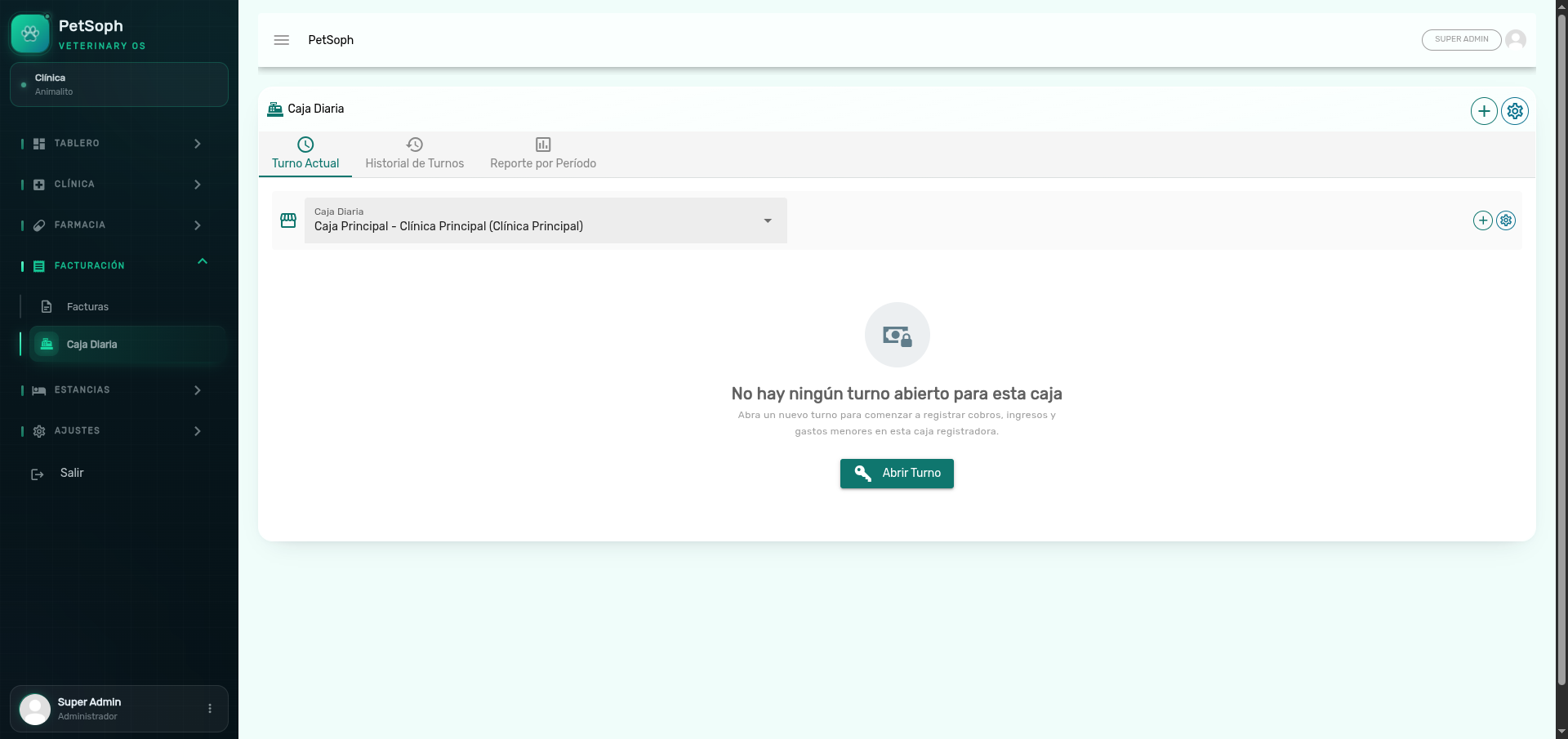 Figure 1. Cash register close-out screen comparing expected vs. counted amounts and discrepancies.
The system forces you to record the reason of a difference before closing: no ghost differences. That’s not bureaucracy, it protects the cashier.
2. Types of difference
| Type | Badge | Meaning |
|---|---|---|
| Square | Green | Counted equals expected (difference 0) |
| Over | Blue | More money than expected (surplus) |
| Short | Red | Less money than expected (missing) |
A stay already settled with money in the shift cannot be silently deleted: voiding carries the money out of the shift. That’s why a voided invoice is a cash movement and never a silent erase.
3. Step by step
- Facturación & Caja → Cortes de Caja → close the open shift.
- Confirm the expected.
- Enter the counted amount.
- If different, register the reason (mandatory).
- Close: prints the close-out receipt (expected / counted / difference) and the shift is Closed.
Closing does not delete invoices or movements: it freezes them into that shift. This is what lets you re-run the close-out or consult the period report afterwards.
What’s next?
- Cash shifts: open, operate and close the shift.
- Invoices and their lifecycle: the states handled in the register.
- Payments and advances: the collections that shape the expected.
- Stay billing: stays by day, charged in the same shift.
- Voiding: refund and correct from the register.